10 Free Yet Overlooked Google Tools For SEO Professionals
In the dynamic world of SEO, leveraging the right tools can dramatically enhance your ability to discover opportunities and mitigate threats. Yet, amid the plethora of options, certain Google tools that offer significant insights and advantages often remain underutilized. Here, we dive deep into 10 such tools, emphasizing their unique benefits that many SEO professionals overlook.
Learn About Web and SEO Tools
- Discover 10 free SEO tools for identifying opportunities and threats.
- Google PageSpeed Insights helps analyze and optimize website speed.
- Ahrefs’ Backlink Checker assists in analyzing backlinks for SEO strategies.
1. Google PageSpeed Insights
Google PageSpeed Insights is not just about measuring the speed of your site; it’s a critical tool for understanding user experience and its impact on SEO rankings. Many overlook the depth of analysis it offers, focusing solely on the numerical speed score. However, delving into its reports reveals insights into how you can directly improve user interaction, a key factor in SEO.
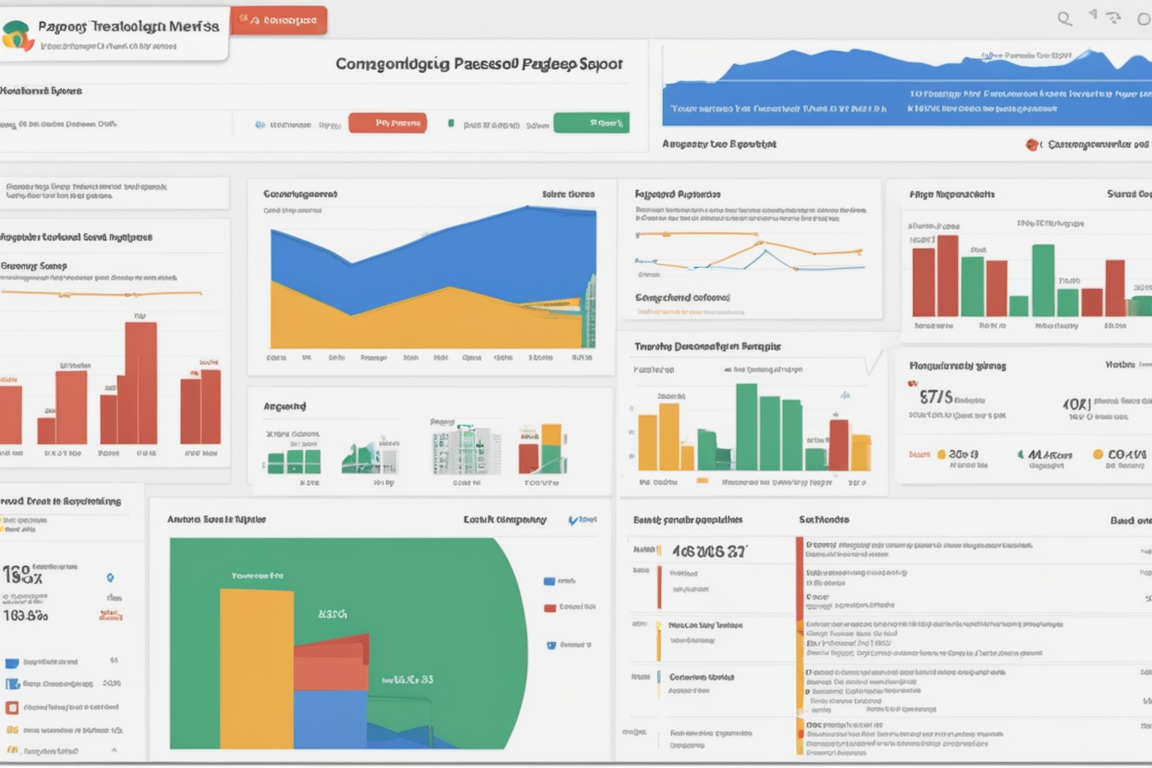
From my experience, optimizing the aspects highlighted by PageSpeed Insights, like reducing server response time and eliminating render-blocking resources, has led to noticeable improvements in search rankings. Moreover, Google’s shift towards user-centric metrics, such as the Core Web Vitals, only amplifies its importance.
Insider Tip: Dive deep into the diagnostics section to find specific JavaScript and CSS optimization opportunities.
For more insights, visit Google PageSpeed Insights.
2. Ahrefs’ Backlink Checker
While not a Google tool, Ahrefs’ Backlink Checker complements Google's suite by providing robust backlink analysis that many free tools cannot match. It is essential for identifying potent backlinks and harmful links that might be affecting your site's credibility.
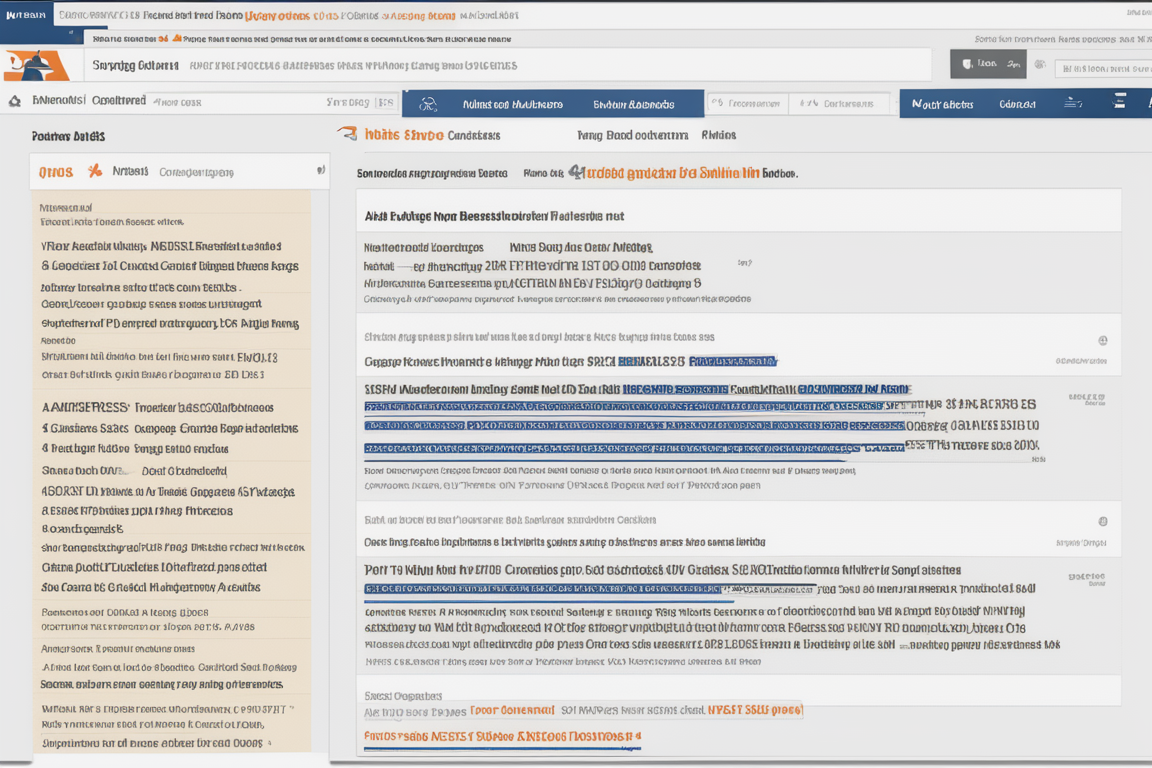
In my journey, using Ahrefs’ Backlink Checker in tandem with Google Search Console’s link data has carved out strategic backlink opportunities that were otherwise hidden in plain sight. This dual-tool approach helps in crafting a more resilient SEO strategy.
Insider Tip: Regularly check for new and lost backlinks to adjust your strategy accordingly.
Explore more about this tool on Ahrefs' website.
3. Google Search Console
Google Search Console is an indispensable tool for any SEO professional, yet its potential is often not fully exploited. Beyond tracking your site's performance in Google search results, it provides unparalleled insights into indexing issues, mobile usability, and much more.
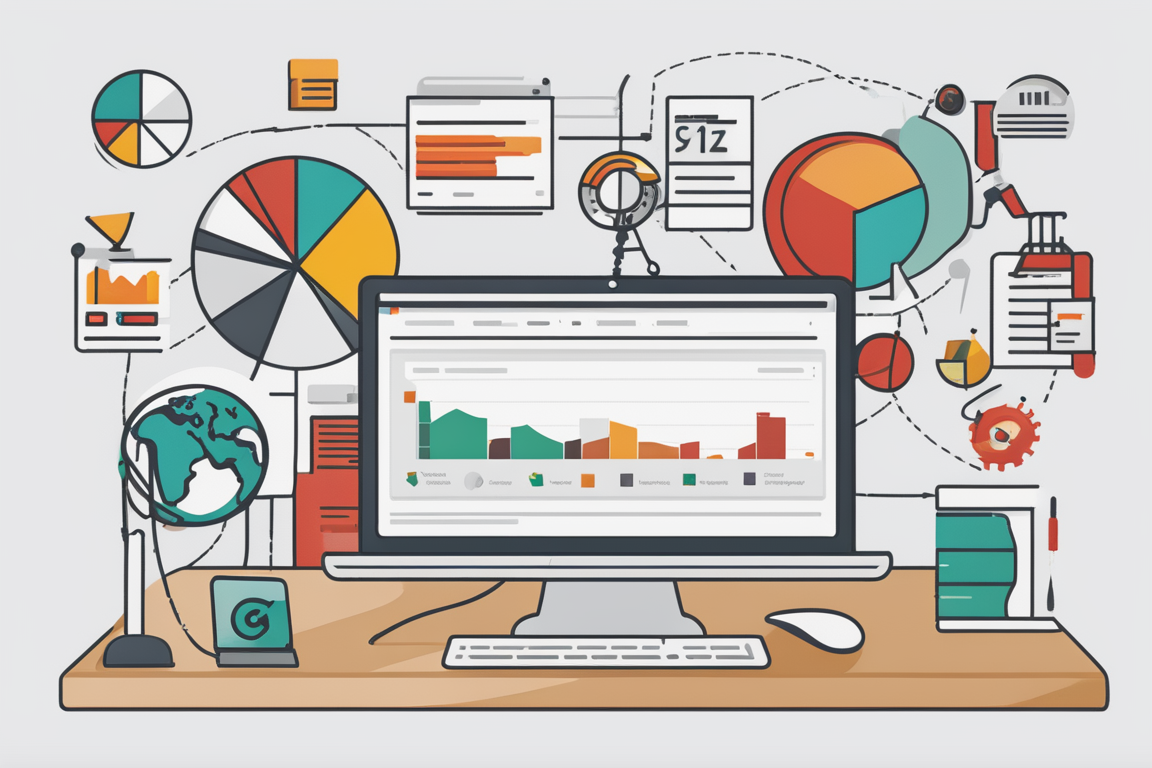
Personal anecdote: Once, a critical crawl error highlighted by the Console led me to discover a flawed robots.txt file. Correcting this error corrected indexing for thousands of pages that were previously hidden from Google’s search crawlers.
Insider Tip: Set up email alerts to immediately address issues like coverage errors and enhance your site’s health.
Detailed information can be found on Google Search Console's help page.
4. Google Analytics
Google Analytics remains the cornerstone of understanding website traffic and user behavior. However, diving deeper into its segmentation features can uncover layers of user interaction data that many fail to exploit.

From my experience, segmenting traffic by source and behavior has allowed for more targeted SEO strategies, especially in tailoring content to different audience needs based on engagement metrics.
Insider Tip: Use custom dashboards to monitor SEO performance metrics more efficiently.
Learn more about advanced features at Google Analytics.
5. Google Ads Keyword Planner
Google Ads Keyword Planner is often seen just as a PPC tool, but its value in SEO is immense, particularly in keyword research and competitive analysis. By understanding the search volumes and competition for specific keywords, you can better tailor your SEO efforts.
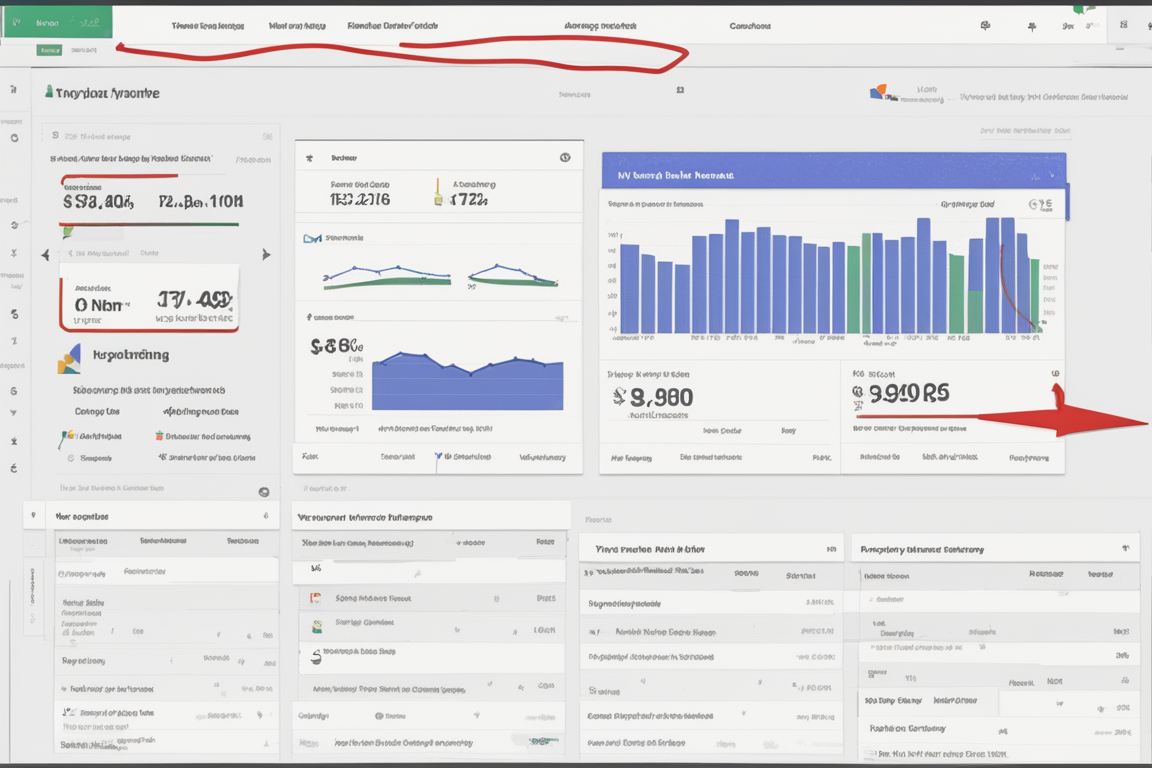
Utilizing Keyword Planner has helped me identify low-competition keywords that drive high organic traffic, which is crucial for a cost-effective SEO strategy.
Insider Tip: Combine the keyword suggestions with SEO metrics from other tools like Moz for comprehensive keyword analysis.
For further exploration, go to Google Ads Keyword Planner.
6. Moz Link Explorer
Moz Link Explorer offers a detailed look at your site’s link profile, which is vital for understanding your position in the SEO landscape. Often, SEO professionals do not fully utilize its potential to scout competitor backlinks and gain strategic insights.
In practice, analyzing competitor backlinks has allowed me to refine my link-building strategy, focusing on quality over quantity, which Google values highly.
Insider Tip: Regularly check your most and least linked-to pages to prioritize optimizations.
Check out Moz Link Explorer for more details.
7. Google My Business
For local SEO, Google My Business is a game-changer. Yet, many businesses set it up and forget it, not realizing its potential in engaging with customers and influencing local rankings.
Through personal experience, actively updating my business profile and engaging with customer reviews have significantly boosted local visibility and brought in more foot traffic.
Insider Tip: Utilize the Q&A feature to directly engage with potential customers and improve your local SEO.
Visit Google My Business to optimize your local SEO strategy.
Real-Life Example: Making the Most of Google My Business
Sarah's Story: Boosting Local Presence
Sarah, a small business owner, struggled to attract local customers to her bakery despite its high-quality products. After setting up her Google My Business profile, she noticed a significant increase in foot traffic and online orders. By regularly updating her business hours, responding to customer reviews, and posting about weekly specials, Sarah was able to engage with her community and improve her online visibility. Google My Business became an invaluable tool for Sarah to connect with customers and grow her business locally.
8. Moz Local Check Business Listing
Moz Local Check Business Listing is crucial for ensuring your business information is consistent across the web—a key factor Google considers for local SEO. This tool helps you identify discrepancies that could hurt your local search rankings.

Ensuring consistency in NAP (Name, Address, Phone Number) data across directories has corrected several listing errors for my business, enhancing local search reliability.
Insider Tip: Regularly audit your listings, especially after making any changes to your business details.
For more information, visit Moz Local.
9. Keyword Tool
Keyword Tool is an excellent alternative to Google’s Keyword Planner for generating keyword ideas based on Google search suggestions. This tool can offer unexpected insights into long-tail keywords, which are often less competitive and highly targeted.
Using this tool has consistently helped me uncover niche keywords that have led to successful content strategies, driving focused and engaged traffic.
Insider Tip: Use the questions tab to find content ideas that answer specific queries related to your keywords.
Discover more at Keyword Tool.
10. Answer the Public
Answer the Public combines the power of keywords with visual data representation to provide a unique perspective on what users are searching for around a specific term. This tool is invaluable for content creation, yet many SEOs underutilize its potential to drive content strategy.

Leveraging this tool has allowed me to create content that directly addresses the concerns and queries of my target audience, significantly improving engagement and SEO performance.
Insider Tip: Integrate findings from Answer the Public with Google Trends to validate the interest over time.
Explore the tool at Answer the Public.
Conclusion
The landscape of SEO is complex and ever-evolving, but the array of tools provided by Google and other sources offers a treasure trove of data and functionality that can elevate your SEO game. By diving deeper into the capabilities of these often overlooked tools, you can uncover a wealth of opportunities to enhance your website's search engine visibility and user engagement. Embrace these tools not just as a checklist item but as integral components of a holistic SEO strategy.
Questions and Answers
Who benefits from using web and SEO tools?
Businesses, marketers, and website owners benefit from using web and SEO tools to optimize their online presence.
What are some popular web and SEO tools?
Some popular web and SEO tools include Google Analytics, SEMrush, Ahrefs, Moz, and Yoast SEO.
How can web and SEO tools improve website performance?
Web and SEO tools can help optimize website content, keywords, and user experience to increase visibility and traffic.
What if I'm not tech-savvy, can I still use web and SEO tools?
Yes, many web and SEO tools offer user-friendly interfaces and tutorials to guide beginners through the process.
Popular Tools
Recent Posts